
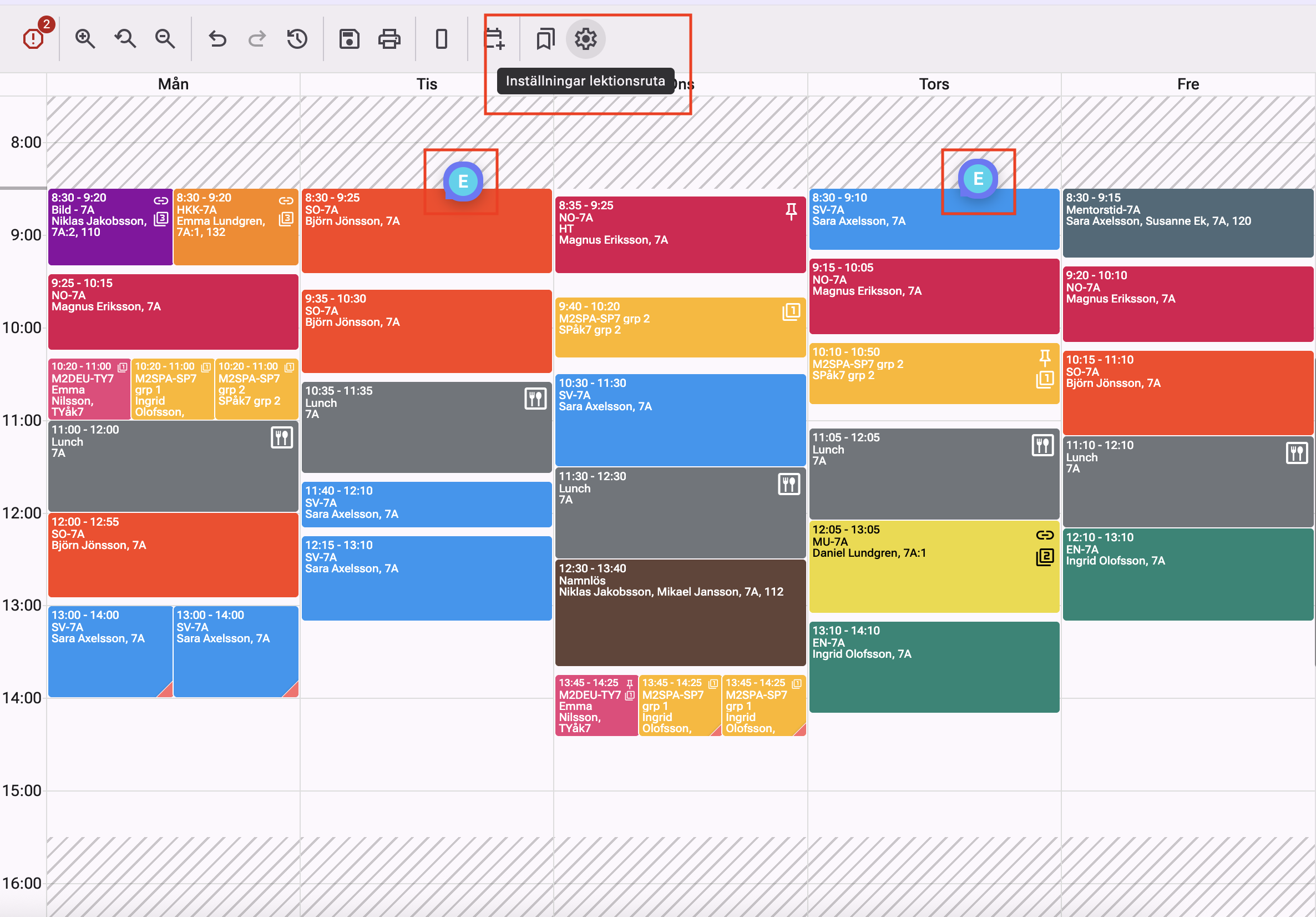
New feature: Comments directly in the schedule
Royal Schedule is introducing comments directly in the schedule, making it easier to collaborate, add notes, and keep track of important scheduling details.
Blog
Follow the latest product updates and news from Royal Schedule. See what's been released recently or browse the full history.
Royal Schedule is introducing comments directly in the schedule, making it easier to collaborate, add notes, and keep track of important scheduling details.
We’re heading to SETT. Come see our newest AI feature and get a live demo at booth L:06.
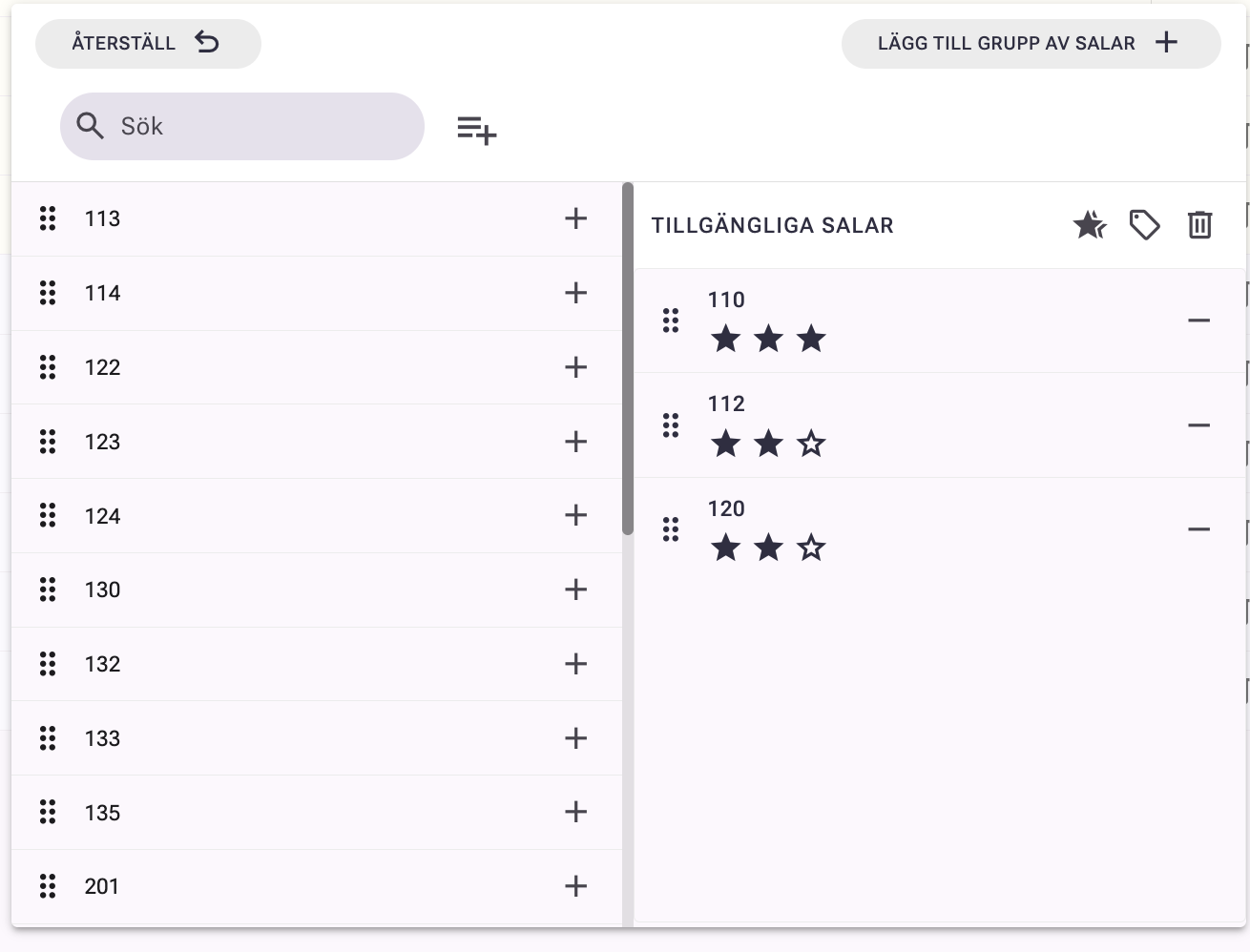
Over the past few months, we have been working intensively on developing Royal Schedule and have released a number of new features in the system. However, we haven't had time to update this page at the same pace. Therefore, we have gathered several of the latest features that are now available in production.
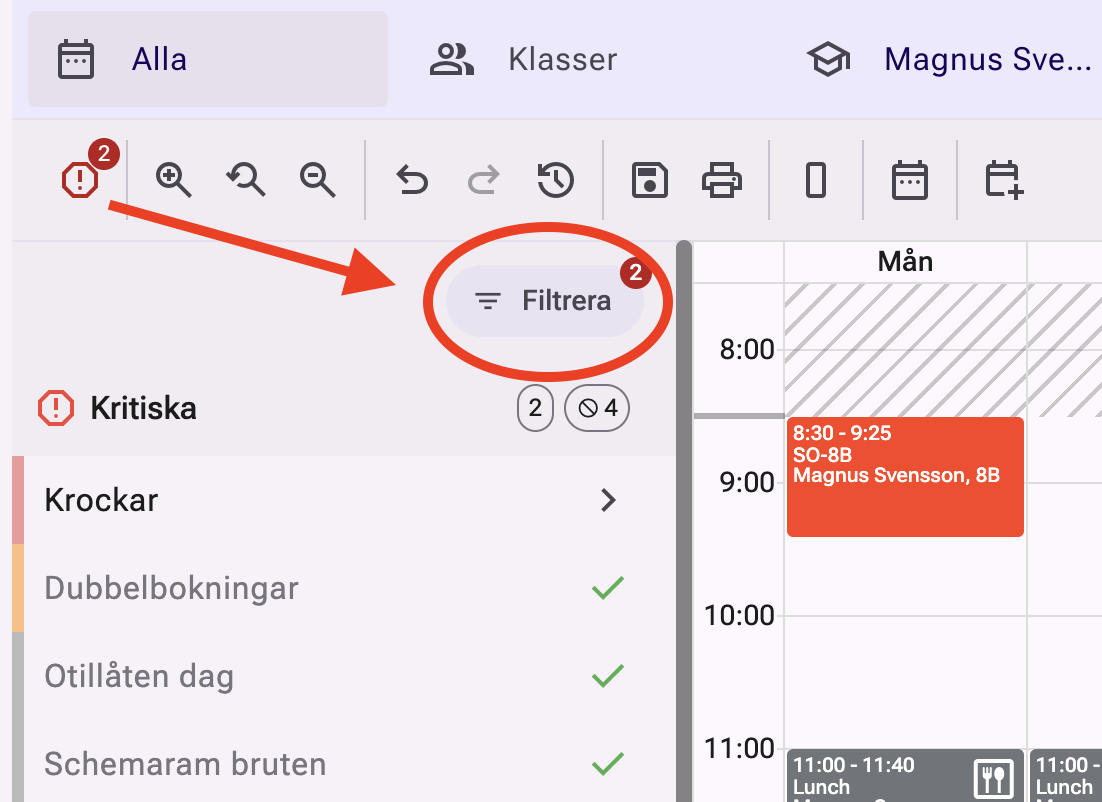
Royal Schedule is launching Schedule Warning Filters — a new feature that helps you clean up the timetable. Tired of seeing warnings that are already approved, like conflicts caused by approved conferences? Now you can hide them!
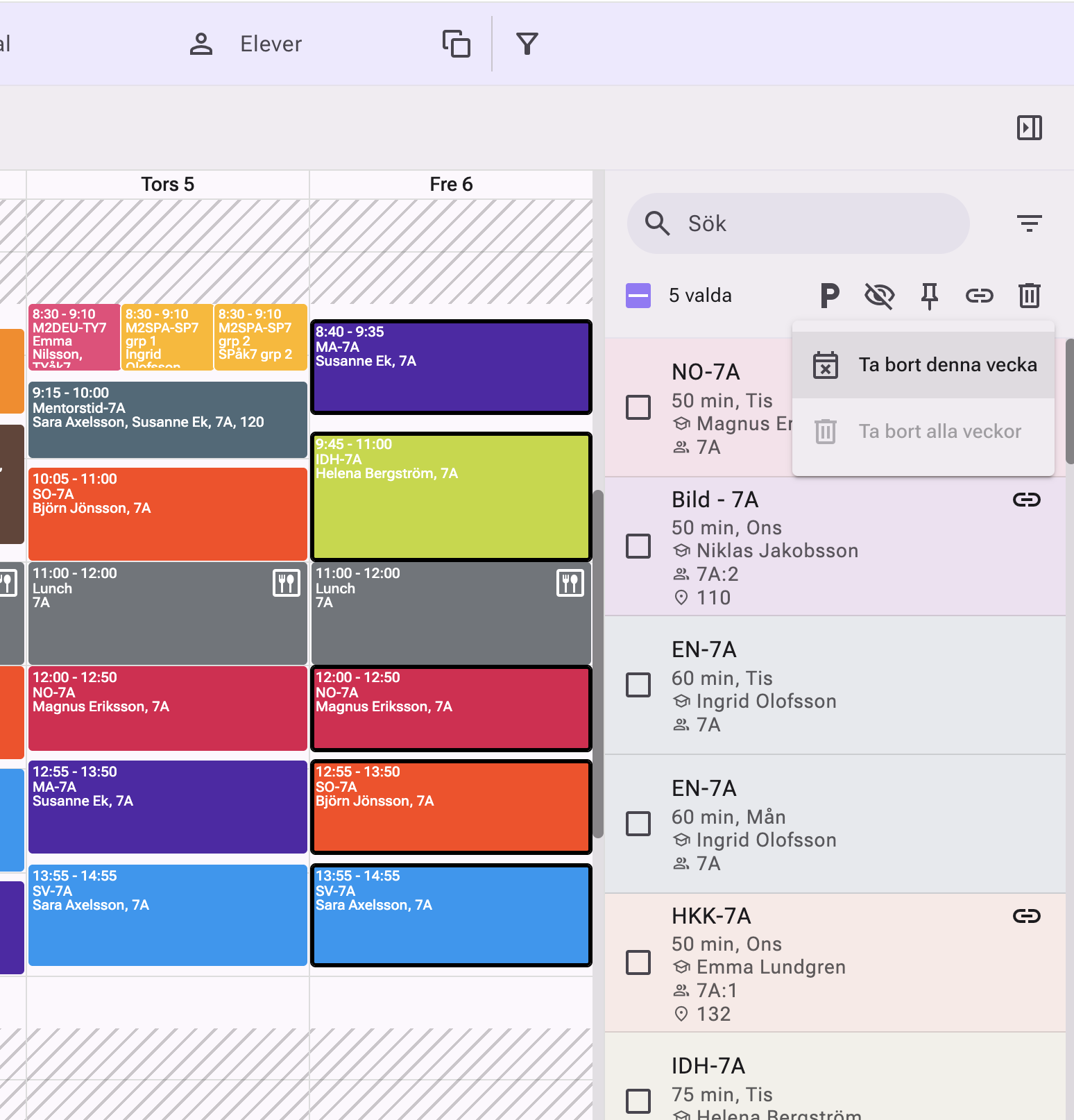
You can now clean up the timetable by shift-clicking to select multiple lessons and remove them from a specific week. A smooth new feature that saves time and makes it easier to keep your timetable up to date.
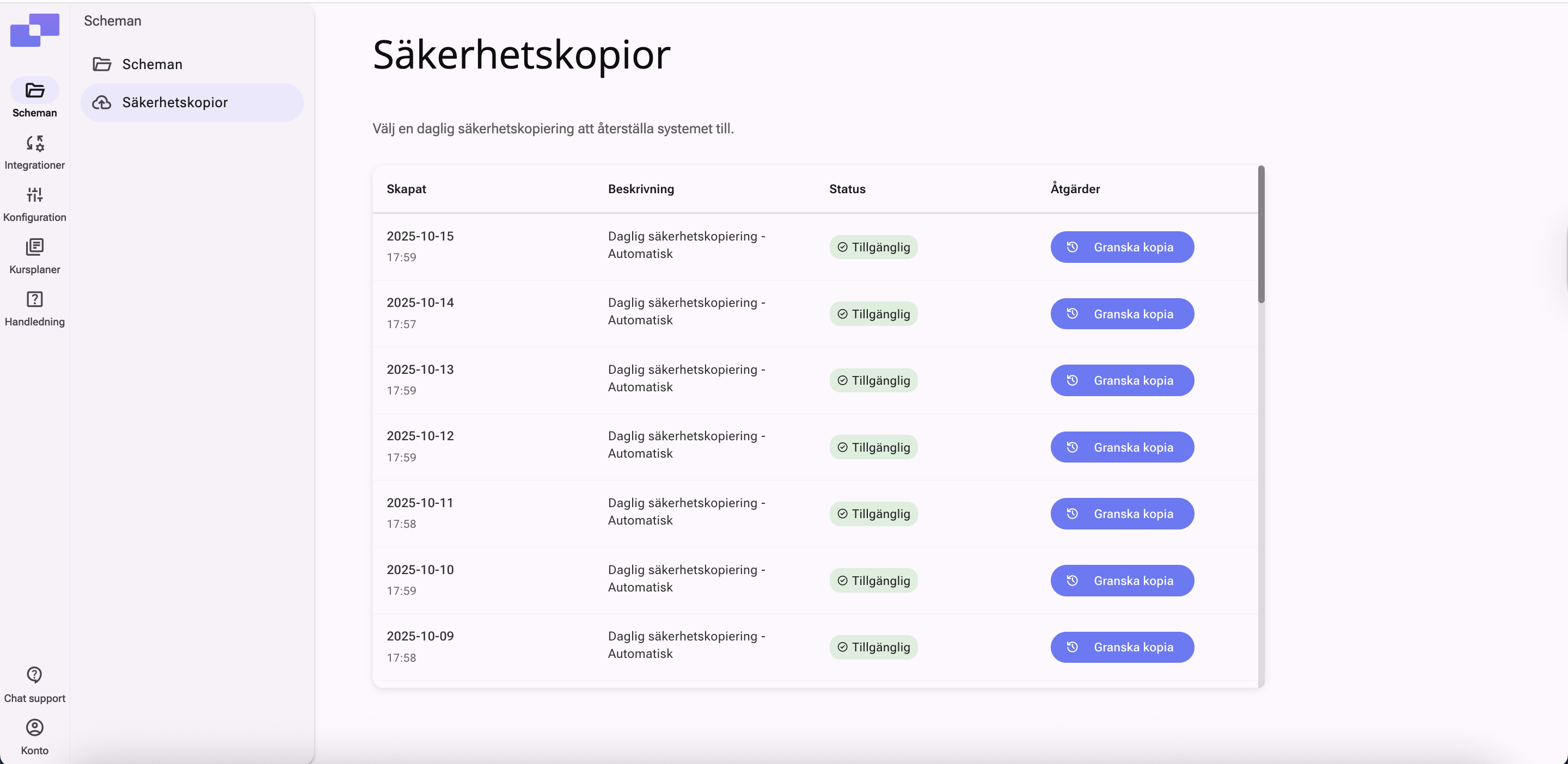
Royal Schedule continues to evolve with a focus on simplicity and efficiency. In the latest update we're introducing several requested improvements: the ability to manage backups yourself, improved synchronization during the school year, and an updated print feature with more customization options.
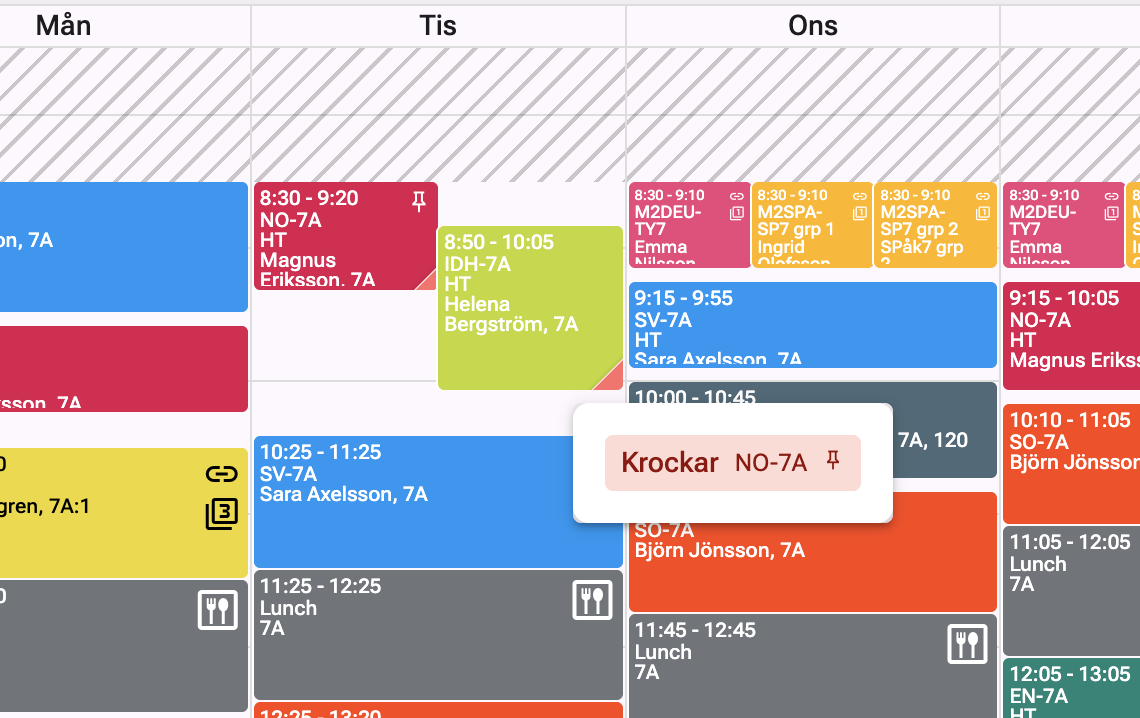
It's now even easier to spot conflicts in the timetable. In the lower-right corner of lessons, a colored marker now indicates that something is wrong.

We'll post all of our updates here continuously. Keep an eye out for what's new, or browse the history to see the latest updates.


